Opens an email draft that you must send. We will reply when the build is available.
First run
A short setup to get you started.
01
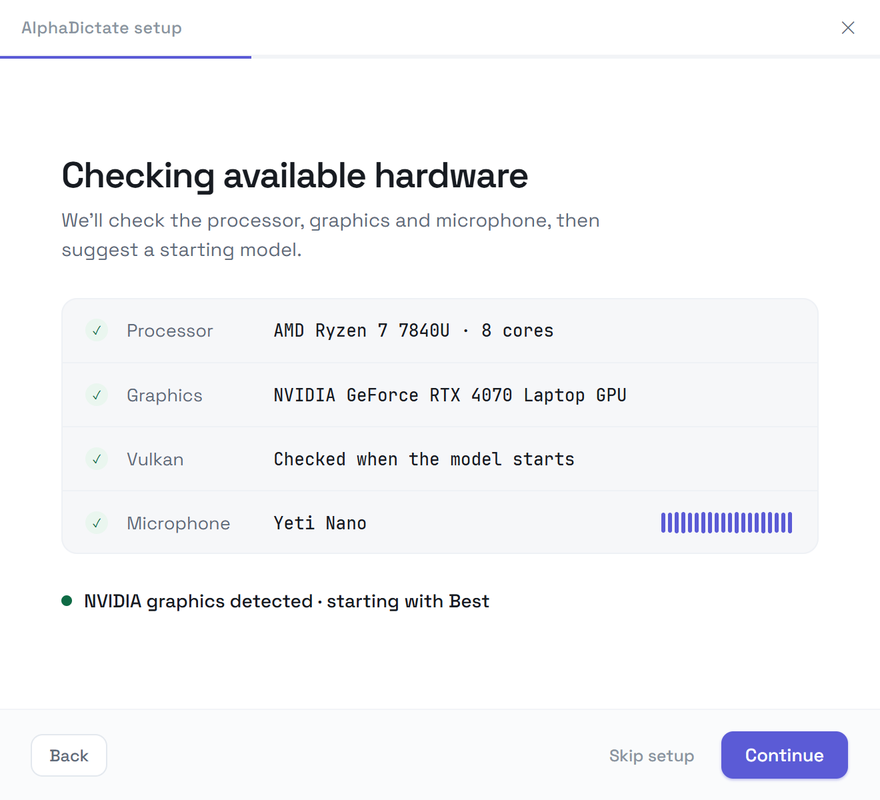
Check the mic
A live level meter shows which device is listening.
02
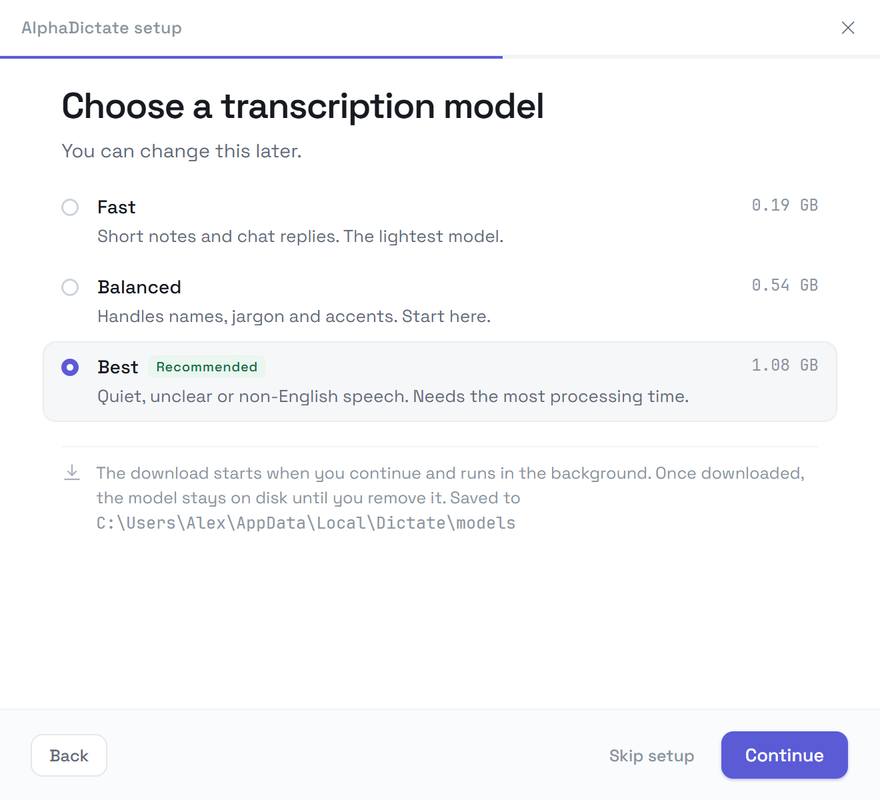
Pick a tier
The model downloads in the background while you finish setup.
03
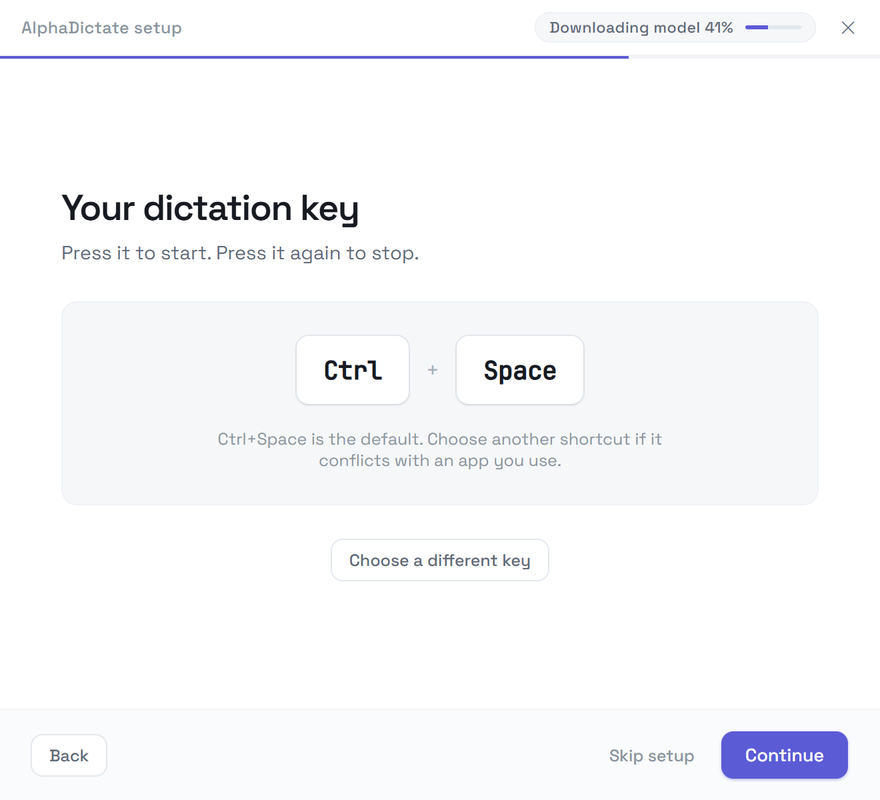
Press the shortcut
Ctrl+Space by default. Choose another keyboard shortcut or a middle/side mouse button.
What you need
Windows 10 or 11, 64-bit
A microphone — a headset or laptop mic is fine
An NVIDIA, AMD or Intel GPU with a Vulkan driver — many integrated graphics qualify
About 0.2–1.1 GB for one model, depending on the tier
Windows says "unrecognized app"?
New installers without a reputation trip Microsoft SmartScreen. Click More info, then Run anyway. The installer is published only through our GitHub releases page; nothing else is bundled.
Updates
Direct installs check GitHub for updates and download them in the background; the update is applied on restart. Store installs are updated by Microsoft Store. Audio and transcripts are not included in update checks.